
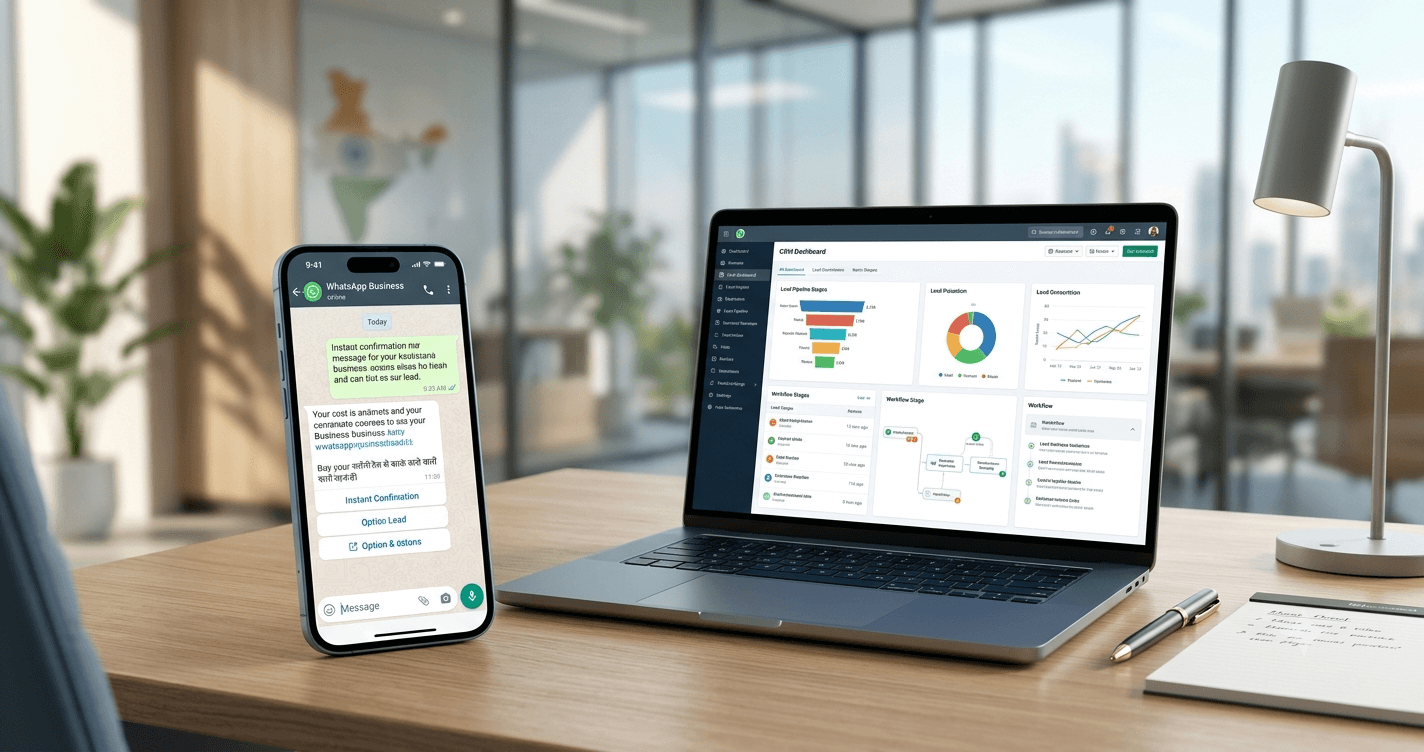
For many Indian businesses, WhatsApp is no longer just another messaging app.
It is where a customer asks for the price, checks whether something is in stock, sends a location, books an appointment, follows up on an order, asks for a quotation—and sometimes disappears for three days before replying with a simple “Hi.”
That makes WhatsApp incredibly useful for business.
It also creates a problem.
When every enquiry depends on a person manually answering every message, growth quickly turns into a customer-service bottleneck.
This is where WhatsApp Business automation comes in.
In 2026, Indian businesses can automate much more than basic greetings and away messages. With the right setup, WhatsApp can become a working layer between your website, CRM, sales team, support desk, payment process and customers.
The important part is knowing what should be automated, what should stay human, and which WhatsApp setup your business actually needs.
Table of Contents
What Is WhatsApp Business Automation?
WhatsApp Business automation is the use of automated messages, workflows, chatbots, integrations and business logic to handle repetitive customer interactions on WhatsApp without requiring an employee to respond manually to every message.
At the simplest level, automation can mean:
- Sending a welcome message
- Informing customers that your team is unavailable
- Answering common questions
- Sharing product information
- Collecting customer details
- Sending order updates
- Confirming appointments
- Routing enquiries to the right team
- Following up with leads
- Escalating complicated conversations to a human agent
At a more advanced level, businesses can connect WhatsApp with their CRM, ecommerce platform, helpdesk or internal systems and trigger messages based on what a customer actually does.
That distinction matters.
Automation is not simply putting a chatbot on WhatsApp.
Good WhatsApp automation connects a customer’s message to the right business action.
WhatsApp Business App vs WhatsApp Business Platform: Which One Do You Need?
Before building an elaborate automation system, Indian businesses need to understand the difference between the WhatsApp Business app and the WhatsApp Business Platform.
The WhatsApp Business app is designed primarily for smaller businesses that manage customer conversations personally. WhatsApp positions the Business Platform for medium and larger businesses that need programmatic access to communicate with customers at scale. (WhatsApp for Business)
The WhatsApp Business app is useful for:
- Business profiles
- Quick replies
- Greeting messages
- Away messages
- Product catalogues
- Manually managed customer conversations
- Basic day-to-day communication
For a local salon, boutique, restaurant, freelancer, small retailer or neighbourhood service business, this may be enough to get started.
WhatsApp Business Platform is better suited for:
- Automated customer journeys
- High-volume conversations
- CRM integrations
- Automated notifications
- Lead qualification
- Chatbots
- Customer-support workflows
- Ecommerce integrations
- Appointment systems
- Custom business logic
- Multiple-agent customer service operations
This is where WhatsApp Business automation in 2026 becomes particularly interesting.
Instead of simply responding to messages faster, businesses can build processes around those conversations.
What Can Indian Businesses Automate on WhatsApp in 2026?
The short answer is: a lot.
But the smartest businesses aren’t trying to automate every conversation.
They’re automating the repetitive parts that slow their teams down.
Here are some of the most practical WhatsApp automation use cases available today.
1. Automate New Lead Capture
Imagine someone visits your website and clicks “Chat on WhatsApp.”
Instead of sending the customer straight into an empty chat, your automation can start the conversation with something useful:
Hi! Welcome to [Business Name]. What are you looking for today?
The customer can then select an option such as:
- Product enquiry
- Pricing
- Book a demo
- Request a quotation
- Talk to sales
- Existing customer support
The system can collect basic information such as:
- Name
- Location
- Product/service interested in
- Budget range
- Preferred date
- Requirement
- Contact details
That information can then be passed to your CRM or sales team.
For Indian businesses generating leads through Google Ads, Meta Ads, websites and social media, this can dramatically reduce the amount of repetitive qualification work done manually.
The real benefit?
Your salesperson doesn’t receive:
“Hi”
and then spend the next six messages trying to figure out what the person wants.
They receive a qualified enquiry.
2. Automate Customer Support
Customer support is probably one of the easiest areas to automate because the same questions appear again and again.
Customers want to know:
- What are your business hours?
- Where are you located?
- How much does this cost?
- Do you deliver to my city?
- What is your return policy?
- How long does delivery take?
- Is this product available?
- How can I book?
- How can I cancel?
- Where is my order?
A WhatsApp chatbot or automated workflow can answer these questions instantly.
But there is an important rule here:
Automation should not become a wall between the customer and your support team.
WhatsApp’s Business Messaging Policy allows automated responses during the applicable 24-hour customer-service window, but businesses are expected to provide clear escalation paths to a human agent or another support channel when needed. (WhatsApp for Business)
So the better approach is:
Bot → solves simple issue → human takes over when necessary.
Not:
Bot → “I didn’t understand that” → customer loses the will to live.
3. Automate Order and Delivery Updates
For ecommerce brands and retailers, WhatsApp can be an extremely useful transactional communication channel.
Instead of customers repeatedly asking:
“Where is my order?”
an automated workflow can send updates such as:
Order confirmed
Your order #48291 has been confirmed.
Order packed
Good news—your order has been packed and is ready for dispatch.
Order shipped
Your order is on its way. Track it here: [tracking link]
Out for delivery
Your order is out for delivery today.
Delivered
Your order has been delivered. We hope you love it.
This isn’t flashy automation.
It’s useful automation.
And that’s usually the kind that customers actually appreciate.
4. Automate Appointment Booking and Reminders
Service businesses in India can use WhatsApp automation to simplify appointment-based workflows.
Think:
- Clinics and wellness businesses
- Salons
- Spas
- Coaching centres
- Consultants
- Repair services
- Car service centres
- Real estate appointments
- Professional services
A customer can start with:
“I’d like to book an appointment.”
The workflow can collect the service, preferred date and time, and other necessary details.
Once the appointment is confirmed, WhatsApp can handle reminders and updates.
For example:
One day before:
Reminder: Your appointment with ABC Salon is tomorrow at 4:00 PM.
On the day:
Your appointment is scheduled for today at 4:00 PM. Reply if you need help.
This reduces no-shows and, just as importantly, reduces the number of calls your staff needs to make manually.
5. Automate Lead Follow-Ups
Here’s one of the biggest opportunities for Indian sales teams.
A lead enquires.
The salesperson replies.
The customer says:
“I’ll think about it.”
And then… nothing.
Without a follow-up system, that lead can quietly disappear.
With WhatsApp automation, businesses can create structured follow-up journeys based on customer consent and the type of communication being sent.
For example:
Day 0:
Send product information.
Day 1:
Check whether the customer needs help choosing an option.
Day 3:
Share a relevant case study or product benefit.
Day 7:
Invite the customer to speak with a sales representative.
The key is relevance.
Automation should feel like a useful continuation of a conversation—not a company discovering your phone number and deciding you’re now its best friend.
6. Automate Product Discovery
Businesses selling multiple products can turn WhatsApp into a guided shopping experience.
Instead of asking a customer to scroll through hundreds of products, automation can narrow the choices.
For example:
What are you looking for?
- Men’s clothing
- Women’s clothing
- Kids
- Accessories
Then:
What’s your preferred price range?
- Under ₹1,000
- ₹1,000–₹2,500
- ₹2,500+
The workflow can then recommend relevant products or send the customer to the appropriate product page.
For ecommerce businesses, this can make WhatsApp part of the actual buying journey rather than simply a customer-support channel.
7. Automate Quotation Requests
B2B companies can also use WhatsApp automation.
A potential customer might want a quotation but doesn’t want to fill out a long form.
WhatsApp can collect:
- Company name
- Contact person
- Product/service required
- Quantity
- Location
- Delivery requirements
- Expected timeline
The information can then be routed to the sales team.
This is especially useful for distributors, manufacturers, agencies, wholesalers, suppliers and service companies where enquiries often begin with a simple WhatsApp message.
8. Automate Payment and Billing Communication
WhatsApp can also support parts of the payment and billing journey, depending on the business’s systems and applicable policies.
Businesses can use automated communication for things such as:
- Payment reminders
- Invoice notifications
- Payment confirmations
- Subscription reminders
- Renewal notifications
- Booking confirmations
The goal isn’t necessarily to turn WhatsApp into your entire accounting system.
It’s to put the right information in front of the customer at the moment they need it.
9. Automate Internal Lead Routing
This one is easy to overlook.
WhatsApp automation doesn’t only have to automate the customer-facing conversation.
It can also automate what happens behind the scenes.
Suppose a customer selects:
“Enterprise enquiry”
The system could route that conversation to the enterprise sales team.
If the customer chooses:
“Existing order”
it can go to support.
If they select:
“Become a reseller”
it can go to the partnerships team.
That means fewer conversations landing in the wrong inbox and fewer employees manually forwarding messages around.
10. Use WhatsApp Automation for Multilingual Customer Journeys
India is not a one-language market.
A customer in Bengaluru may prefer English. A customer in another region may be more comfortable communicating in Hindi or another Indian language.
For businesses serving multiple regions, conversational flows can be designed around language preferences.
For example:
Choose your preferred language:
English
हिंदी
தமிழ்
मराठी
The customer can then enter the appropriate journey.
The important thing is not simply translating every message.
The experience should sound natural in the language being used.
11. Automate FAQs Without Turning the Bot Into an FAQ Machine
Yes, FAQs can be automated.
But there’s a better way to think about them.
Instead of dumping 30 answers into a menu, identify the high-frequency questions that actually block a customer from taking the next step.
For example, a real estate company might automate:
- Property location
- Price range
- Availability
- Configuration
- Site visit booking
- Brochure request
A restaurant might automate:
- Menu
- Opening hours
- Location
- Table booking
- Delivery information
A coaching institute might automate:
- Courses
- Fees
- Batch timings
- Eligibility
- Demo class booking
The best automated answer is usually the one that helps the customer do something next.
WhatsApp Business Automation Is Not the Same as a WhatsApp Chatbot
These terms are often used interchangeably, but they aren’t quite the same.
A WhatsApp chatbot focuses primarily on conversation.
WhatsApp Business automation can encompass the entire workflow around that conversation.
For example:
Customer clicks an ad → WhatsApp opens → bot qualifies lead → CRM creates lead → salesperson receives notification → customer receives brochure → follow-up is scheduled → salesperson takes over.
That’s more than a chatbot.
It’s a customer journey.
And this is where businesses can get much more value from WhatsApp automation in 2026.
How WhatsApp Automation Works Behind the Scenes
A typical advanced setup may look something like this:
Customer
↓
↓
Automation / Bot
↓
Business Logic
↓
CRM / Ecommerce / Booking / Helpdesk
↓
Automated response or human agent
The automation layer can determine what should happen based on information such as:
- What the customer selected
- Previous interactions
- Order status
- Lead stage
- Appointment status
- Product availability
- Customer type
- Sales team
- Support category
This is why integrations matter.
A chatbot that cannot access the information needed to answer the customer is just a fancy menu.
WhatsApp Message Templates Still Matter
Businesses using the WhatsApp Business Platform need to understand an important part of WhatsApp’s messaging rules.
When a business initiates a conversation, it generally needs to use an approved message template. When a customer messages the business, the business can respond without a template during the applicable 24-hour customer-service window. Outside that window, approved templates are required for business-initiated messaging. (WhatsApp for Business)
This affects how businesses design automation.
You can’t simply build an automation that sends unlimited promotional messages whenever you feel like it.
You need to think about:
- User consent
- Message category
- Timing
- Template approval
- Opt-outs
- Customer experience
- Relevant business purpose
WhatsApp also requires businesses to respect requests to stop receiving messages and emphasizes obtaining appropriate user consent. (WhatsApp for Business)
In other words, good automation starts with permission.
What Indian Businesses Should Not Automate
This might be the most important section of the entire article.
Just because something can be automated doesn’t mean it should be.
Avoid automating conversations where customers need:
- Complex negotiation
- Emotional support
- High-value consultation
- Complaint resolution
- Sensitive decisions
- Detailed technical advice
- Exceptions to normal policies
For example, if someone is angry because their ₹2 lakh order has been delayed, sending them another cheerful bot menu probably isn’t going to improve the situation.
Give them a human.
The strongest WhatsApp automation systems know when to stop talking.
WhatsApp Automation for Different Indian Industries
The best automation strategy depends heavily on the business model.
Ecommerce
Focus on:
- Product discovery
- Order confirmations
- Shipping updates
- Delivery notifications
- Customer support
- Abandoned-lead follow-ups where appropriate
- Returns and support routing
Real Estate
Focus on:
- Lead capture
- Property preferences
- Project information
- Brochure requests
- Site visit booking
- Lead qualification
- Sales-team routing
Education
Focus on:
- Course enquiries
- Eligibility
- Fees
- Demo classes
- Counselling appointments
- Application updates
- Student support
Healthcare and Wellness
Focus carefully on:
- Appointment booking
- Reminders
- Location information
- Scheduling
- Administrative communication
- Human escalation
Businesses must also consider applicable privacy and sector-specific requirements when handling sensitive information. WhatsApp’s policies place responsibility on businesses for required notices, permissions and compliance with applicable law. (WhatsApp for Business)
Restaurants and Food Businesses
Focus on:
- Menu discovery
- Location
- Reservations
- Order updates
- Delivery information
- Customer support
B2B and Manufacturing
Focus on:
- Enquiry capture
- Product requests
- Quotations
- Distributor enquiries
- Sales routing
- Order updates
- Account communication
The Biggest WhatsApp Automation Mistake Businesses Make
They start with the technology.
They ask:
“Which WhatsApp chatbot should we buy?”
That is the wrong first question.
Start with:
Which repetitive customer interaction is costing our team the most time?
Maybe it’s answering pricing questions.
Maybe it’s qualifying leads.
Maybe it’s confirming appointments.
Maybe it’s sending order updates.
Maybe it’s responding to “Where is my order?”
Automate that first.
Then measure what happens.
If it works, automate the next bottleneck.
This approach is much more effective than building a massive chatbot with 47 menu options that nobody enjoys using.
A Practical WhatsApp Automation Strategy for 2026
For most Indian businesses, a sensible rollout looks like this.
Step 1: Identify repetitive conversations
Look through your WhatsApp chats from the last few weeks.
Find the questions your team answers repeatedly.
Step 2: Separate simple from complex
Simple and predictable questions are good automation candidates.
Complex conversations should go to people.
Step 3: Build the first workflow
Start with one valuable journey.
For example:
New lead → qualification → CRM → salesperson
or:
Order → confirmation → shipping → delivery
Step 4: Add human handoff
Never make customers fight the automation.
Give them an obvious way to reach a person.
Step 5: Connect your systems
If your CRM knows something important, your WhatsApp automation should ideally be able to use that information.
Step 6: Measure the results
Track metrics such as:
- Lead response time
- Qualified leads
- Conversion rate
- Customer-support volume
- Resolution time
- Appointment completion
- Customer drop-off
- Human-agent workload
Step 7: Improve the conversations
Automation isn’t “set it and forget it.”
Review where customers drop out.
If customers repeatedly type:
“Talk to a person”
that’s useful data.
Your automation may be asking too much.
What Does Good WhatsApp Automation Look Like?
It doesn’t feel automated.
That’s the trick.
A customer shouldn’t have to understand your workflow architecture, chatbot logic or CRM integrations.
They should simply feel:
“These people got back to me quickly.”
That’s the real goal.
The best WhatsApp Business automation in 2026 combines three things:
Speed + relevance + human support.
Automation handles the predictable work.
Your team handles the conversations where judgment matters.
WhatsApp Business Automation in 2026: The Real Opportunity for Indian Businesses
WhatsApp has become deeply woven into how Indian customers communicate with businesses.
That makes it a powerful place to automate—but only if businesses approach automation as a customer-experience strategy, not just a technology project.
A local service provider might automate appointment reminders.
An ecommerce brand might automate order updates.
A real estate company might qualify thousands of enquiries before sending the strongest prospects to sales.
A B2B company might turn WhatsApp enquiries into structured CRM leads.
A support team might let automation resolve routine questions while agents focus on difficult cases.
The possibilities are broad.
But the winning strategy is surprisingly simple:
Automate the repetitive. Personalise the important. Escalate the difficult.
That’s what makes WhatsApp automation useful in the real world.
And in 2026, Indian businesses don’t need to choose between automation and human customer service.
The smarter option is to make the two work together.
Have any thoughts?
Share your reaction or leave a quick response — we’d love to hear what you think!
-
 0
0 - 0
- 0



